
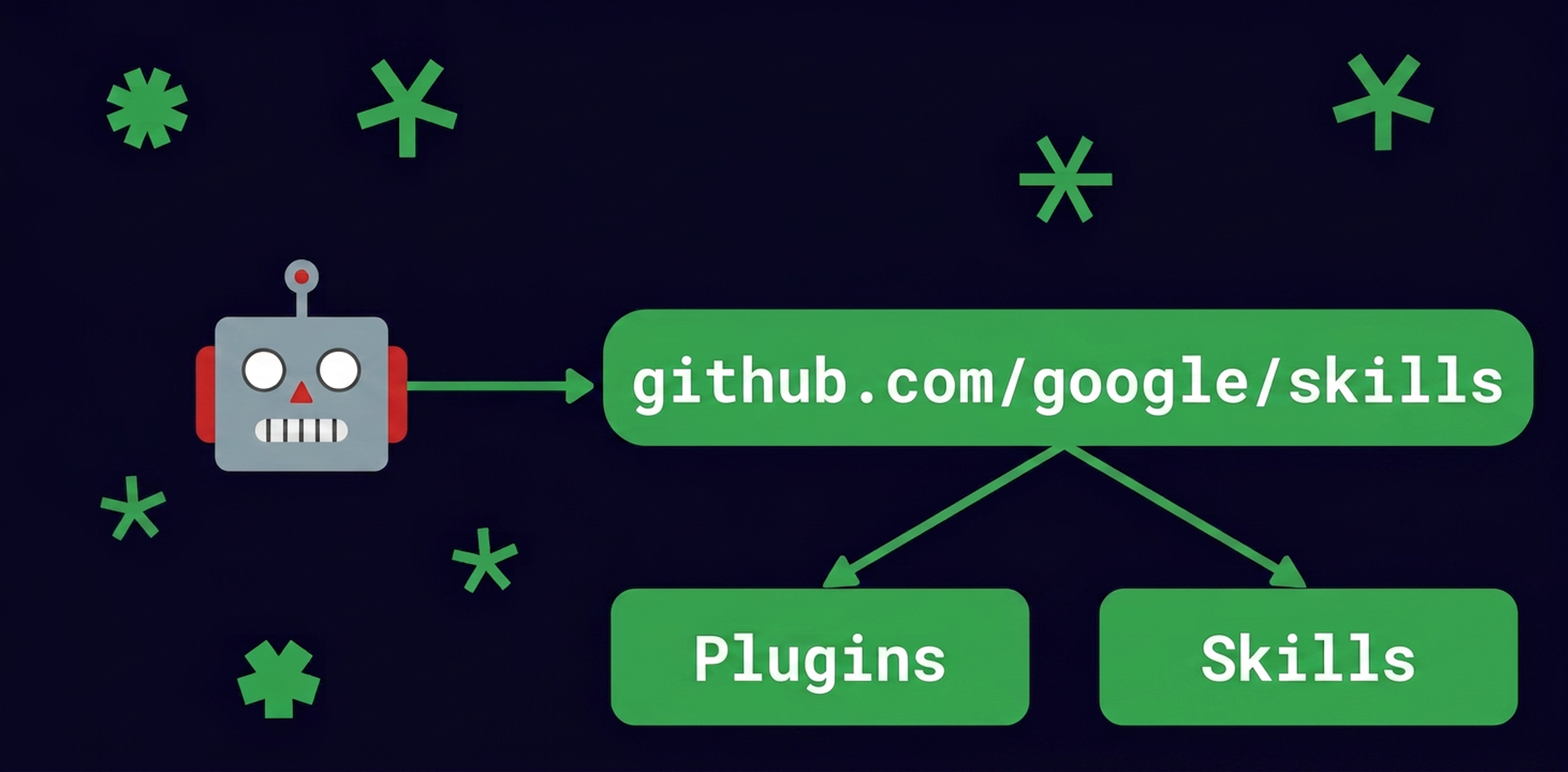
[Guide] Google Cloud announced the google-cloud-developer plugin for AI coding agents on September 11, 2026. It bundles Google Cloud skills, access to official developer documentation, and programmable interactions with Google Cloud. For teams already using an AI coding agent, the key question is how to add that capability without turning setup into an unchecked infrastructure change.
What the plugin adds
Google Cloud describes agent plugins as portable bundles that give a selected AI agent additional skills and tools. This first foundational plugin is designed for Google Cloud users, with capabilities covering authentication, authorization, project management, and safeguards around gcloud CLI operations.
That brings Google Cloud context closer to the coding workflow. An agent can work with cloud-specific concepts instead of relying only on general model knowledge, while the authentication and authorization features provide the access needed to interact with Google Cloud.
The bundle also includes the Developer Knowledge MCP server. Its purpose is to give agents an up-to-date anchor in Google’s official developer documentation. When an agent must choose between similar services, interpret a cloud configuration, or explain a command, this connection is intended to keep the workflow tied to Google Cloud’s own technical material.
The packaging standard is part of the announcement as well. Google Cloud presents the Agent Plugins specification as an open, vendor-neutral standard for bundling Agent Skills and MCP servers into portable, interoperable units. A shared manifest and directory structure reduce the need for separate configurations and wrappers for each AI assistant. The change is therefore both functional and operational: the agent gains Google Cloud-specific tooling, and the bundle follows a common structure across supported environments.
Install it through the path for your agent
Google Cloud’s post documents installation for Antigravity CLI, Claude Code, and Codex CLI. The command sequence names are:
agy plugin installfor Antigravity CLI;claude plugin marketplace add, followed byclaude plugin install, for Claude Code;codex plugin marketplace add, followed bycodex plugin add, for Codex CLI.
Use the exact syntax and arguments shown in the official Google Cloud installation instructions for the agent you actually use. The command names alone are not enough to reproduce the complete installation. Following the official post also helps avoid copying a wrapper or configuration intended for a different assistant.
Verify the environment before approving anything
In Google Cloud’s new-project example, the agent checks the active environment before continuing. Those checks include whether the CLI is available and whether projects or organizations already exist.
Use that information as a decision point. Confirm which environment is active before allowing the workflow to proceed. A reasonable project setup can still become misleading if the agent is inspecting the wrong context.
Review the IAM guidance surfaced by the agent next. The announcement highlights risks including accidentally exposing keys or making accidental Git commits. Credentials and repository state should therefore be checked before cloud work begins, rather than after an automated action has created a problem.
Before moving on, you should be able to identify the active environment, confirm that the required CLI is present, understand whether an existing project or organization was found, and see that IAM concerns have been considered. If any of those points is unclear, pause and resolve it before approving further steps.
Keep the approval checkpoint visible
Before modifying resources, the agent presents a roadmap and offers to execute the workflow. Treat that roadmap as the approval checkpoint. It should show what the agent intends to do and in what order, giving you an opportunity to stop before resource changes begin.
Authentication and authorization make cloud interaction possible, while project-management capabilities give the agent the necessary context. Neither removes the need to review the proposed actions. The trade-off is straightforward: more cloud-aware automation can reduce friction for developers, but it also gives an agent a more direct route to cloud operations.
Approve only the steps that match the task you intended to perform. If the roadmap points to a different project, an unexpected organization, or an operation you cannot explain, stop until the context is corrected. The documented workflow exposes the sequence before modification, so use that pause deliberately.
What changes—and what does not
The plugin changes how an AI coding agent accesses Google Cloud skills, official documentation, and programmatic cloud interactions. Through the Agent Plugins specification, it also standardizes how those capabilities are packaged across supported assistants.
It does not remove the need to validate the active environment, review IAM risks, protect keys, check repository state, and approve the roadmap before resource changes. Google Cloud’s announcement describes capabilities and a guarded workflow; it does not make the agent an independent authority over your projects.
The practical sequence is clear: install the bundle through the documented path for your agent, verify the active environment, review IAM and repository risks, inspect the proposed roadmap, and approve only the intended actions. That keeps the productivity benefit while ensuring the consequential decision—the resource change itself—remains visible and reviewable.